Welcome to the Lunar Client November Recap! This month, we have some pretty exciting updates, including 2 brand new types of cosmetics, a bunch of parity updates from Badlion, and more! So, without further ado, let’s jump right into our Launcher Updates for this month.
You can also check out this month’s Lunar Client recap video below!
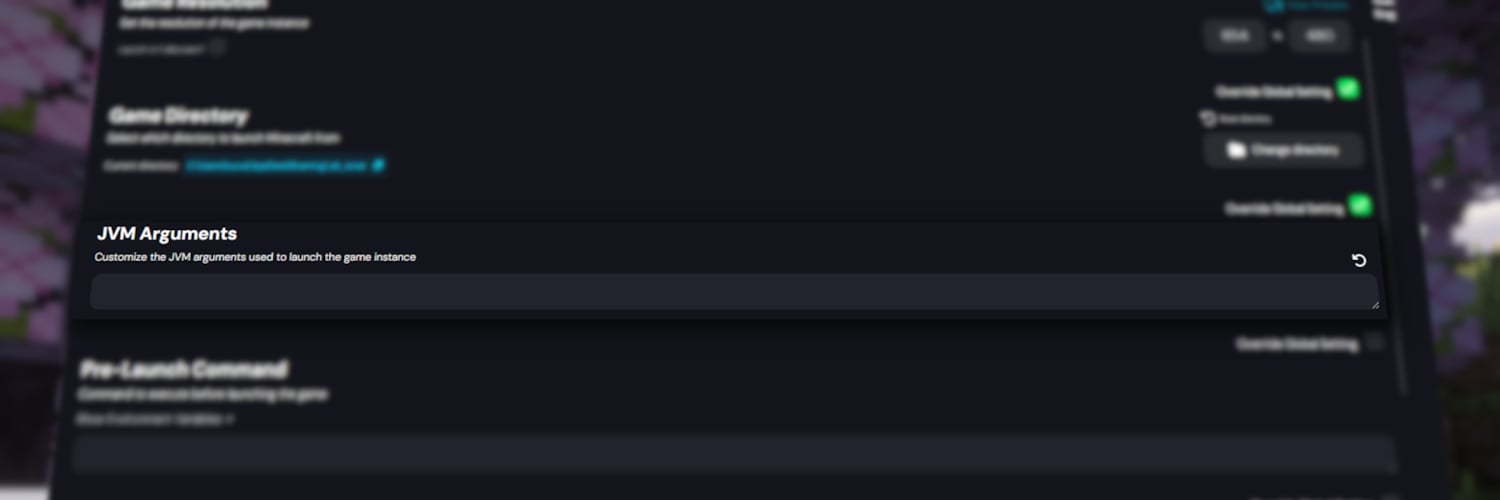
JVM Argument Support for All Profile Types
We added two updates for some of our more technical players inside of the Launcher. First up, there’s now support for JVM Arguments across all profiles on the client. This includes the standard Lunar profiles, as well as Vanilla, Modpack, and Badlion ones! Essentially, these allow you to precisely fine-tune your game’s launch settings using specific variables that can be modified. Many of the most important ones are already integrated into our Launcher, such as customizing your RAM limits and changing your startup resolution settings. But, if you’re a bit more savvy and looking for more control over your game, JVM Arguments are now fully available!
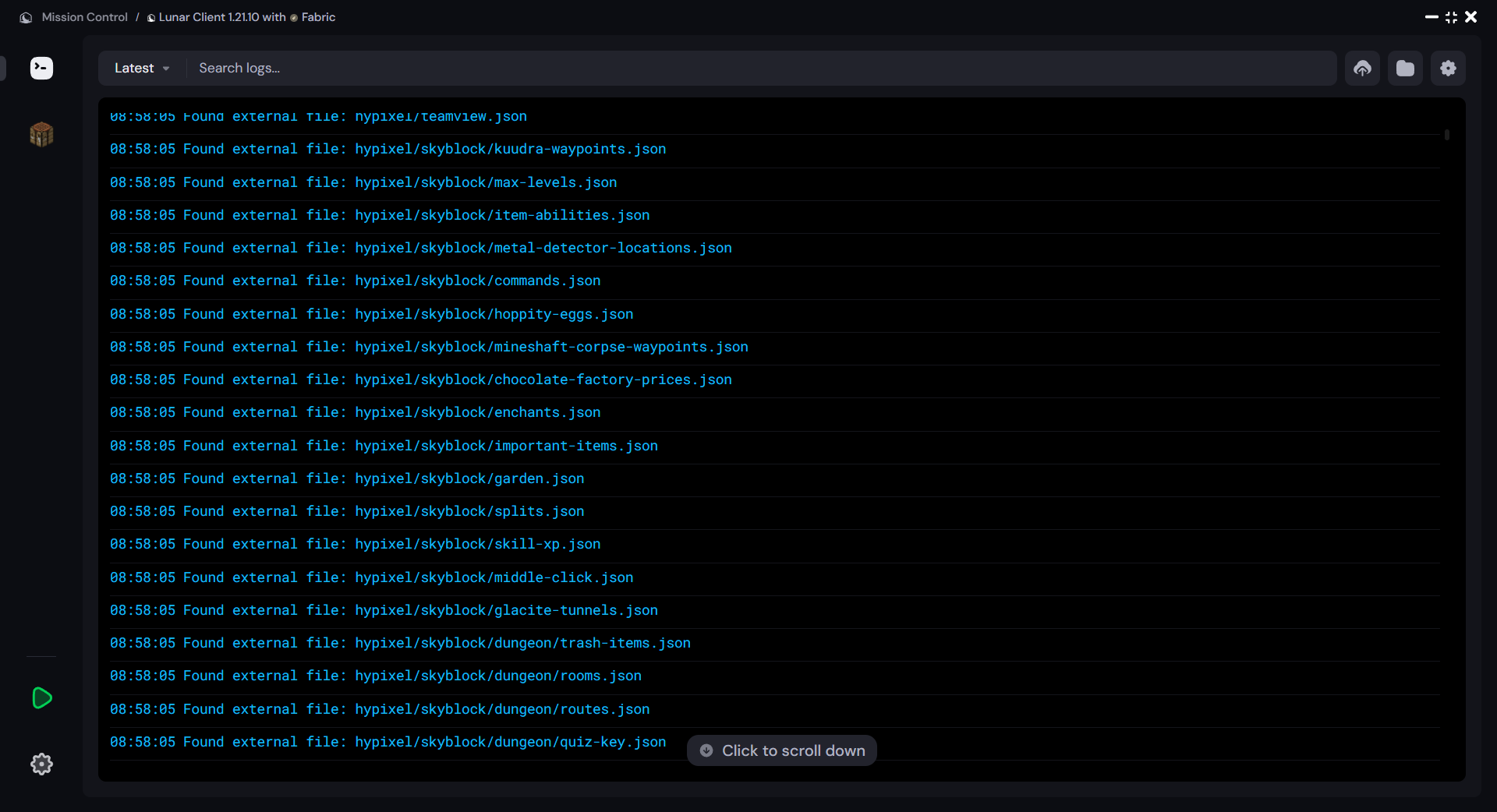
Mission Control Redesign
Our Mission Control window just received a massive redesign! This includes better searching and navigation handling, as well as the ability to view old log files directly inside Mission Control. On top of that, if you’re someone who has a habit of accidentally leaking things whenever you're streaming or screen sharing, there’s now the option to hide any sensitive information that may appear across your logs.
Resource Pack Preview Improvements
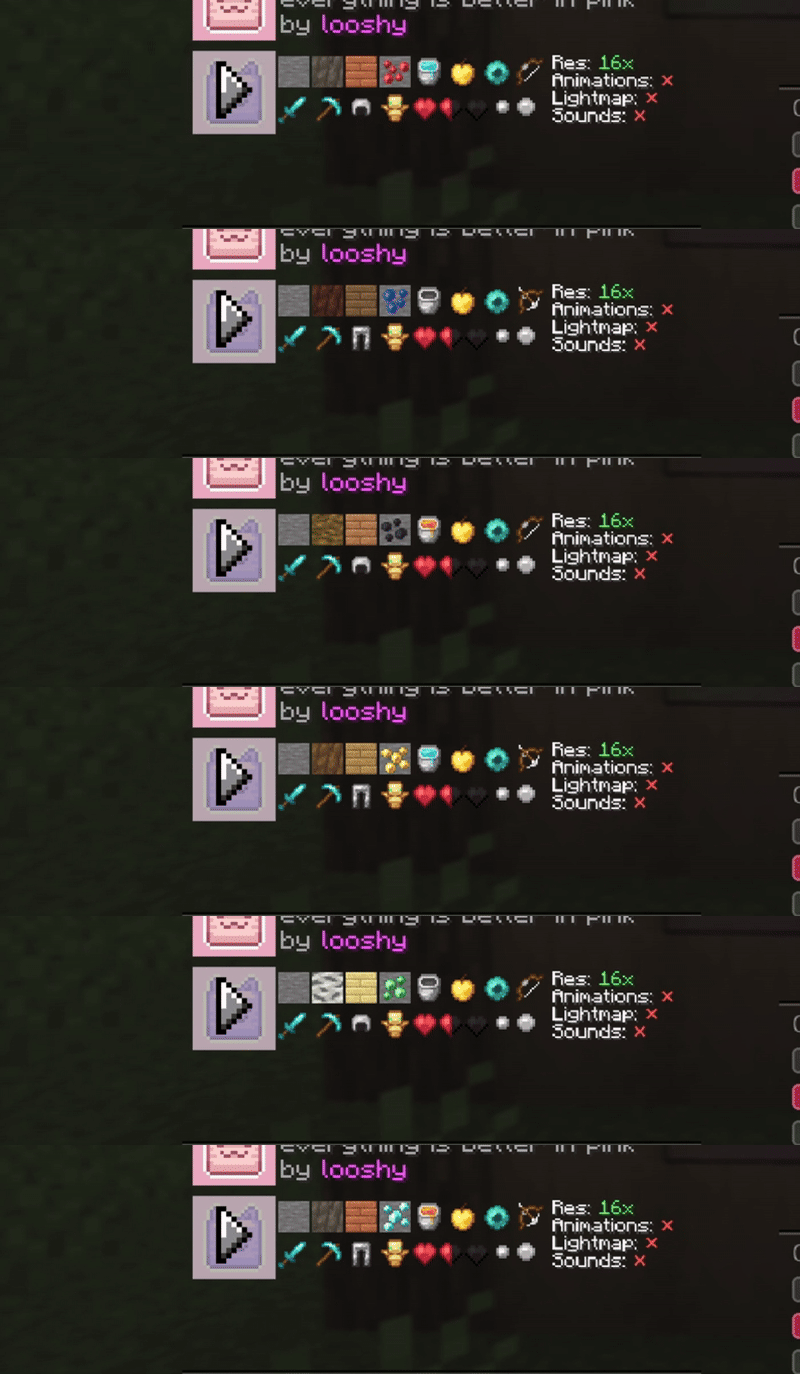
Now, moving on to our in-game updates for this month, our Resource Pack Preview option, which we released just a couple of months ago, has already received a few updates. To start, previews will now display the pack’s heart texture, as well as the sharpness and critical particles. Additionally, it’ll also cycle through the textures for various items, as opposed to being completely static like it previously was. We think these changes will make this mod a bit more useful, and hopefully give you a better idea of how a pack looks by simply hovering over it. To enable this option, you can find it inside of the Minecraft Resource Packs menu on Lunar Client.
Minor Mod Improvements
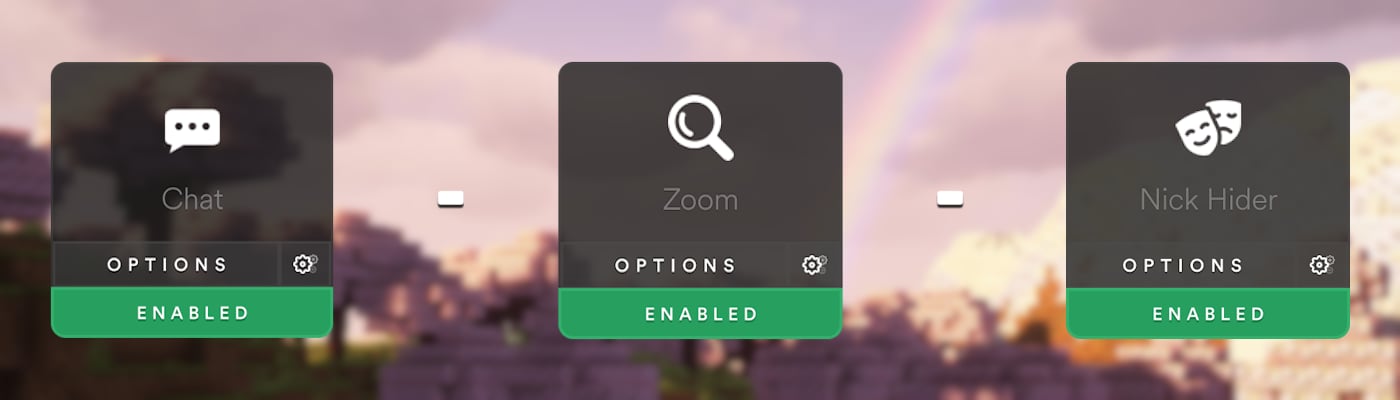
Let’s show off some of the more Quality of Life features we just ported over from Badlion Client! There are too many to cover each one directly, but we’ll show off some of the most notable ones. First off, there’s now the option to right-click on a chat message to copy it to your clipboard. Then, our Zoom mod now has a new slider, which lets you control the speed of your extra scroll wheel zooms. And finally, our Nick Hider mod lets you hide your Hypixel Lobby ID in the scoreboard to help combat stream snipers just a bit more. But of course, there are still many more features inside of this update, so make sure to check out our Changelogs for the full list if you’re interested!
Cosmetic Optimizations on Legacy
We have just introduced a massive performance improvement that just made its way into the client. This change is mainly targeted towards improving speeds when rendering some of our heavier cosmetics, such as Suits, Pets, and pretty much any other cosmetic that has animations or particles. Unfortunately, this change doesn’t yield any improvements for our macOS players, due to lack of support for OpenGL 4.3 on those devices. However, anyone playing on a system with a graphics card made within the past 15 years or so should see some benefits from this change.
Auction Pricing Data
We’ve just added the ability to view both Auction House and Bazaar data whenever you hover over an item in Hypixel Skyblock on Lunar Client. This means you can quickly know how much your items are worth just by looking at their tooltip, as well as view some extra info such as the item’s Bazaar volume.

Inventory Buttons
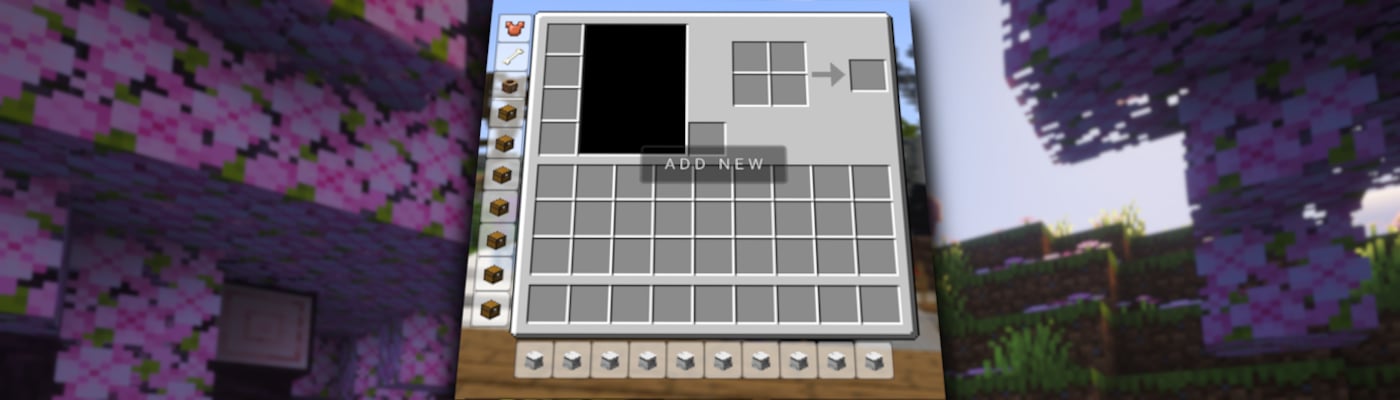
There’s now also the ability to add custom shortcuts inside of your Inventory. To get started, make sure you set up a keybind in our Hypixel Skyblock Mod to open up the editor for these, as they’ll be handled separately outside of the mod option itself. From there, open up the editor, and add your first button. Now, just position it wherever you’d like it to appear inside of your inventory. After it’s looking good, you’ll want to hover over the button you just made, and click on the settings button right next to it. This will open up a new menu, where you can customize nearly everything about it, from how the physical button looks to what message is displayed whenever you hover over it. And of course, you can change the command that’s run whenever you actually click it, from inside of this menu as well. We’ve also included every single SkyBlock and Vanilla item to display as your icon, so you shouldn’t have to worry about not being able to find the right one that best represents your shortcut.
Both of these features have been super popular among many SkyBlock players, and we’re excited to finally be able to bring them to Lunar Client.
Companions
Now, let’s talk about cosmetics. This month, the team has been cooking up two new types of cosmetics for players to enjoy and express themselves with. The first actually debuted in our Gift Gauntlet Event. Of course, we’re talking about Companions. These are a brand new type of cosmetic that are similar to our Pets cosmetic, but will follow you around, almost like the regular animals in Vanilla Minecraft. Seen below is our first-ever companion, Kiln, and… he’s actually not as scary as he seems. He’ll follow you around and chill right beside you whenever you stop moving. We’re excited to be able to give players some new buddies in-game, but now let’s show off our next new cosmetic, which lets you directly express yourself on the map.

Sprays
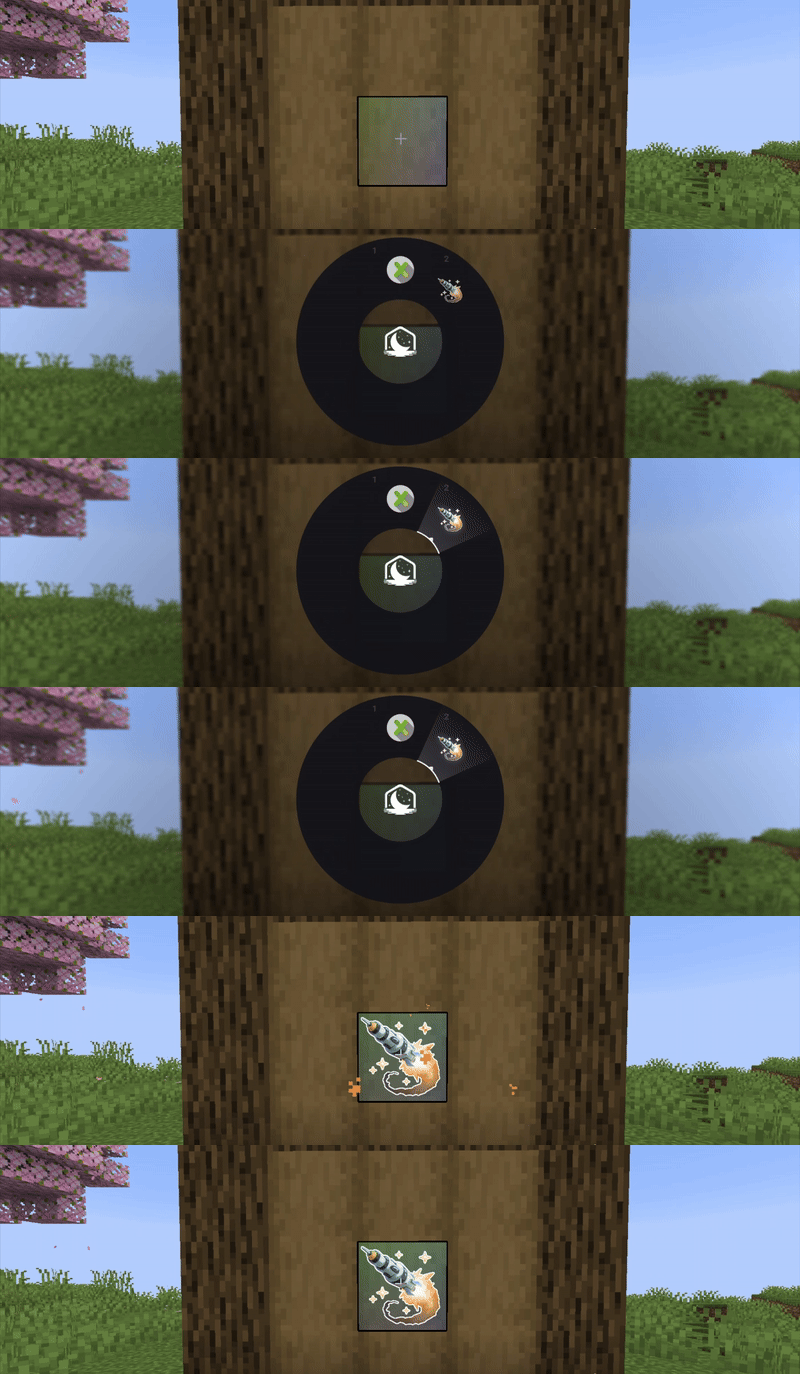
That being, Sprays! Sprays are the first cosmetic we’ve worked on that aren’t directly tied to your player. If you aren’t familiar with them from other games, these let you mark an image on almost any surface or block in the game, and can be seen by any player on the client. Of course, if you ever need to turn off sprays, you can do so in our settings. But, they can be super fun to taunt your friends, or if you just want to feel like a professional graffiti artist. The Spray wheel can be accessed by pressing Y on your keyboard by default.
The team is super happy to give some new cosmetic options to you all. While they haven’t been included in any releases on the store just yet, we’ll be announcing some future ways you can earn some companions and sprays very soon, just take a look at the next section of the Recap!
Gift Gauntlet
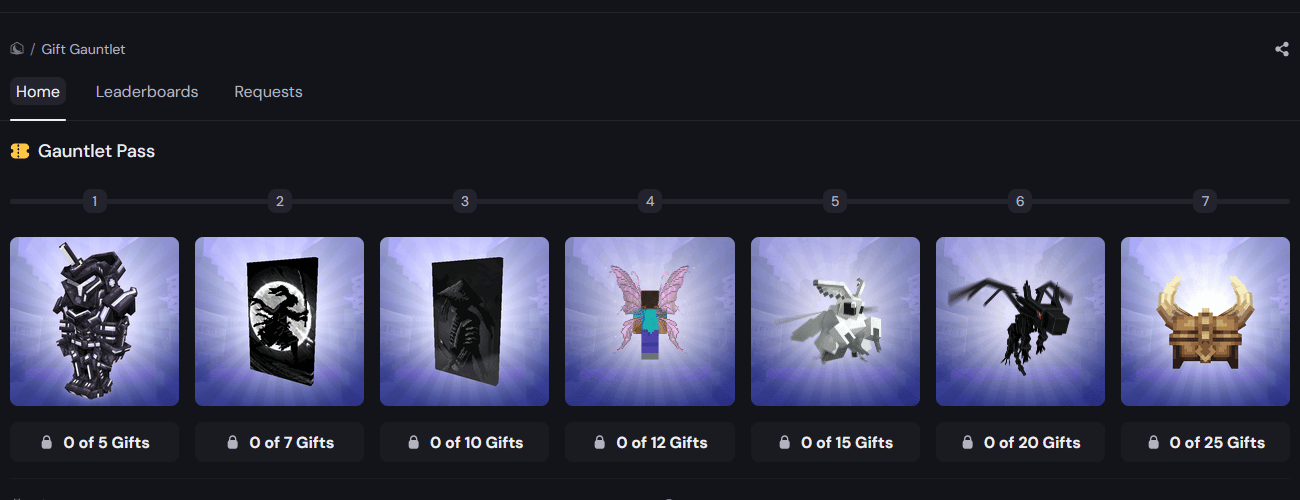
In case you missed our first event in July 2025, or you're just trying out the client for the first time, the Gift Gauntlet is a special event where players are rewarded for giving out cosmetics to other players! Each gift milestone features a permanent cosmetic that you can unlock, some of which being exclusive to the event! On top of that, anyone who places between 1st and 25th place on the leaderboard, will earn limited edition cosmetics. This ranges from a special cloak to a fully custom, 1-of-1 cosmetic set designed by you! We can’t wait to see who the champions of this event are at the end of December! But, let’s not forget to mention that, along with the other cosmetics being a part of the 1st place set, the winner will get to design their very own Companion! This will be the first ever companion we’ve given out to the client, and the winner can design it just how they want. As of the posting of this recap, the gauntlet is out, and you’ll be able to request any cosmetics available on our store! So, good luck to everyone who competes, and we hope to see you get some sweet cosmetics!
Coins
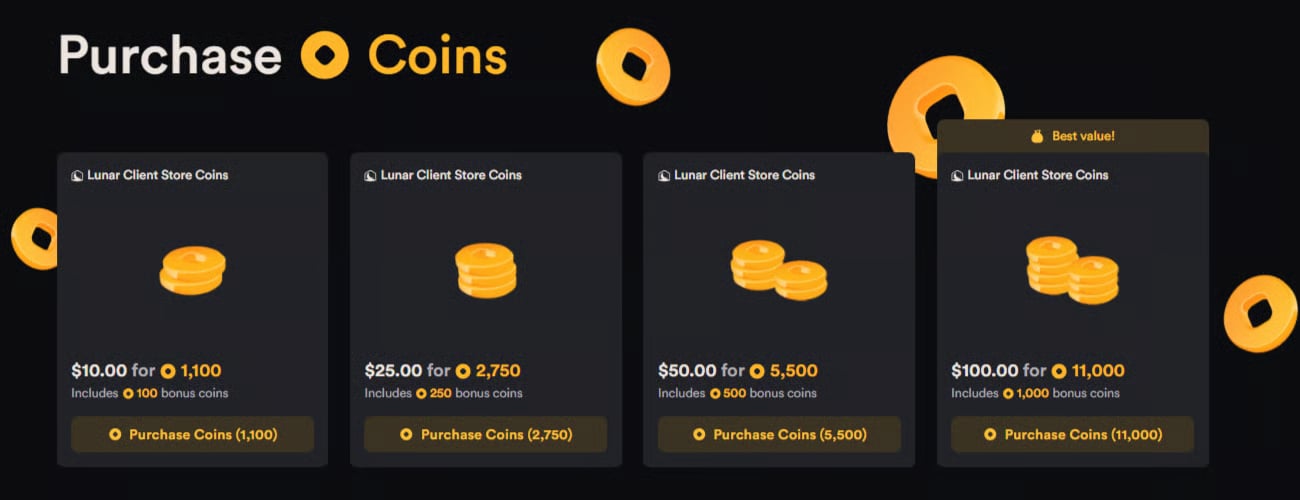
Now, before we move on to our final few updates for this month, we're going to stay in line with talking about our store, and mention a new way to check out on the Lunar Client website that was just released! Now, using Coins, you can purchase almost anything on our store with a few exceptions, and even earn discounts when spending them, as well as some bonus coins when purchasing them! Coins permanently stay on your account after purchasing them, so you won’t have to worry about your hard-earned doubloons vanishing away. On top of that, with the holiday season rapidly approaching, Coins make the perfect gift for anyone who plays Minecraft, as they’ll be able to spend them on exactly what best suits them on our store.
For all information about Lunar Client’s Coins, check out our Coins article!
Rewind Updates
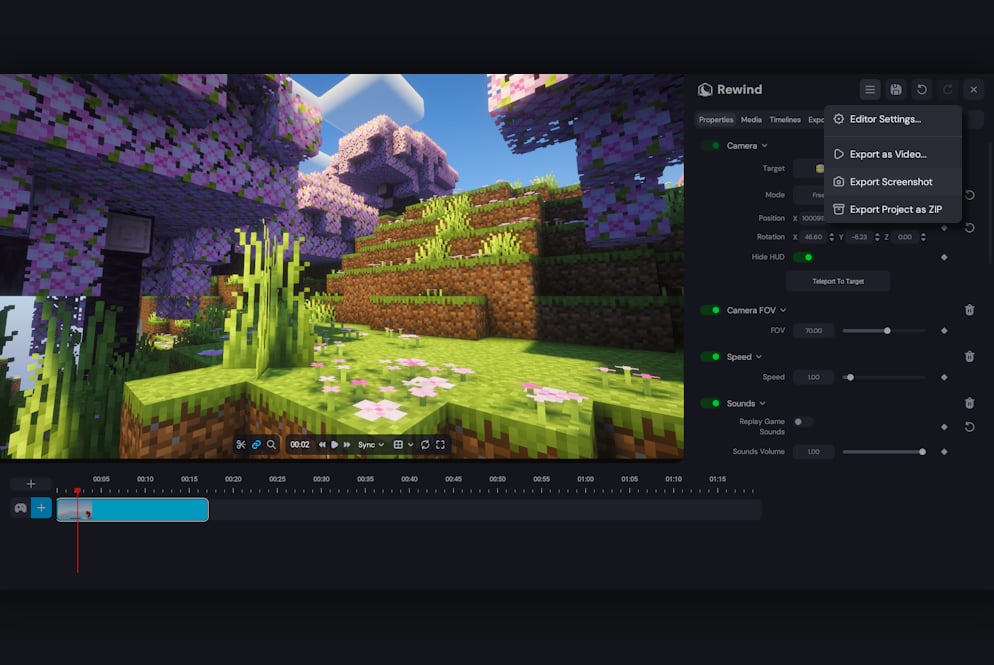
Anyways, before we close out all of our updates for this month, our Rewind mod just received a few changes, so let’s cover them real quick. To start, you can now directly export screenshots or frames from your timeline, which you can then directly edit inside of a photo manipulation program or simply send them to your friends. Then, we’ve also added the option to change which input device you have selected whenever you’re recording directly inside of Rewind. We also published a tutorial on how to get started using Rewind! So, if you’ve seen anyone using the mod but aren’t fully sure on how it all works, this video can act as a great resource for them to learn some of the basics before fully diving into the mod.
November Cosmetics
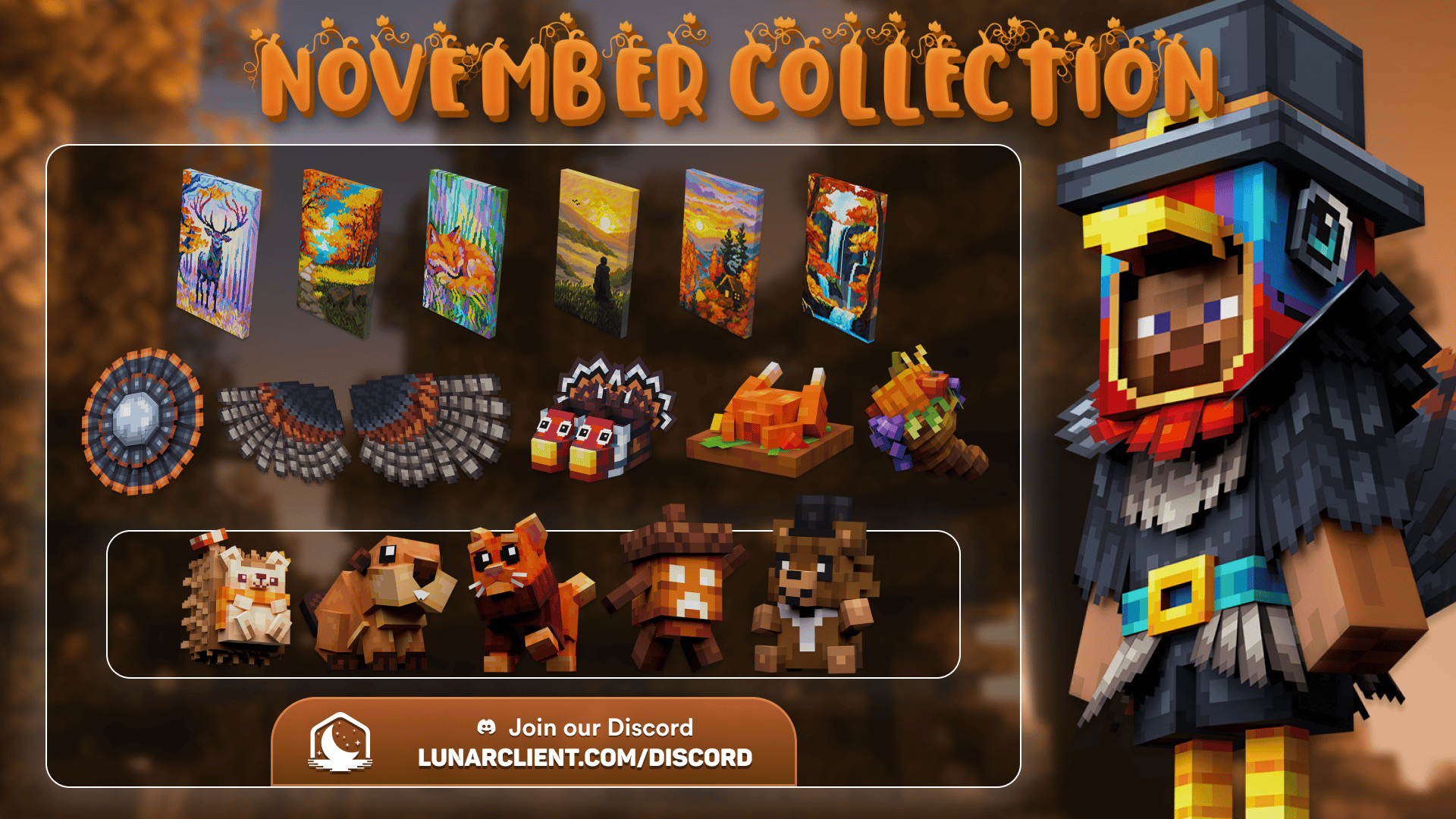
From a ton of different autumn pets to even a big bushy turkey tail, this collection will get you into that fall spirit right before we move into winter, featuring 35 different cosmetics.
Anyways, that’s going do it for this month’s Lunar Recap! Thank you all for sticking to the end, and of course, if you have any questions about a new update or want to suggest a feature to be added to the client, let us know by joining the Lunar Client Discord.
If you have any questions or are experiencing issues with your client, create a ticket on our Support Website. If you are unsure of how to create a ticket, please view the Lunar Client Support Guide. We’ll see you next month for some even bigger updates.
