Lunar Client allows you to add your own third-party Fabric mods on versions 1.16.5+. However, because mod loading is still a relatively new feature on Lunar Client, mods can often cause crashes alongside other miscellaneous issues, which can be hard for users to troubleshoot. This article aims to provide steps for Lunar Client users to figure out what is causing the issues. While mod loading on Lunar Client is currently exclusive to Fabric mods and modern Minecraft versions, we do plan to bring this feature to legacy Minecraft versions (1.7-1.12) on Forge in the future, so stay tuned for any updates.

We recommend checking out our Mod Loading Article so that you can get an overview of how the process works and how you can add mods.
Incompatible Mods
If mods you are loading mods that are incompatible with each other or require a different version, Lunar Client will automatically detect this and prompt you with an intuitive error message telling you exactly what to change.
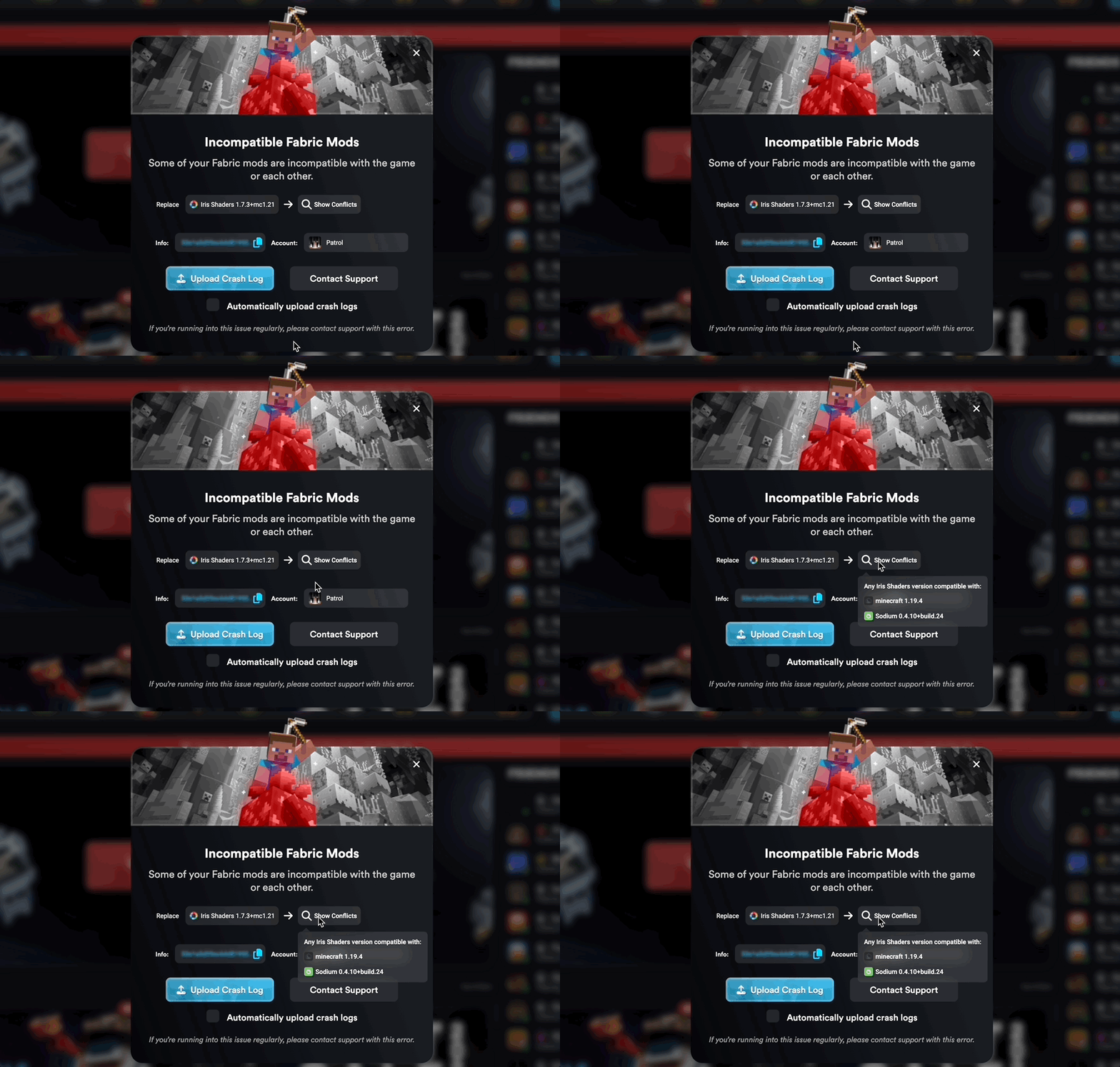
Hovering over 🔍 Show Conflicts opens a drop-down that shows exactly what you need to do. In this case, you would need to replace Iris Shaders with a version that works with both Minecraft 1.19.4 and Sodium 0.4.10. Note that if you’re using one of Lunar Client’s provided modpacks, you can easily change any mod’s version by going into the settings of the modpack to change the version.
Unexpected Error
Mods can often cause unexpected errors to occur on Lunar Client when launching. As mentioned above, this is an issue with Lunar Client we’re aware of and are actively working to resolve. Unfortunately, the only way to resolve this is to go through your mods and remove them one by one until the game successfully launches.
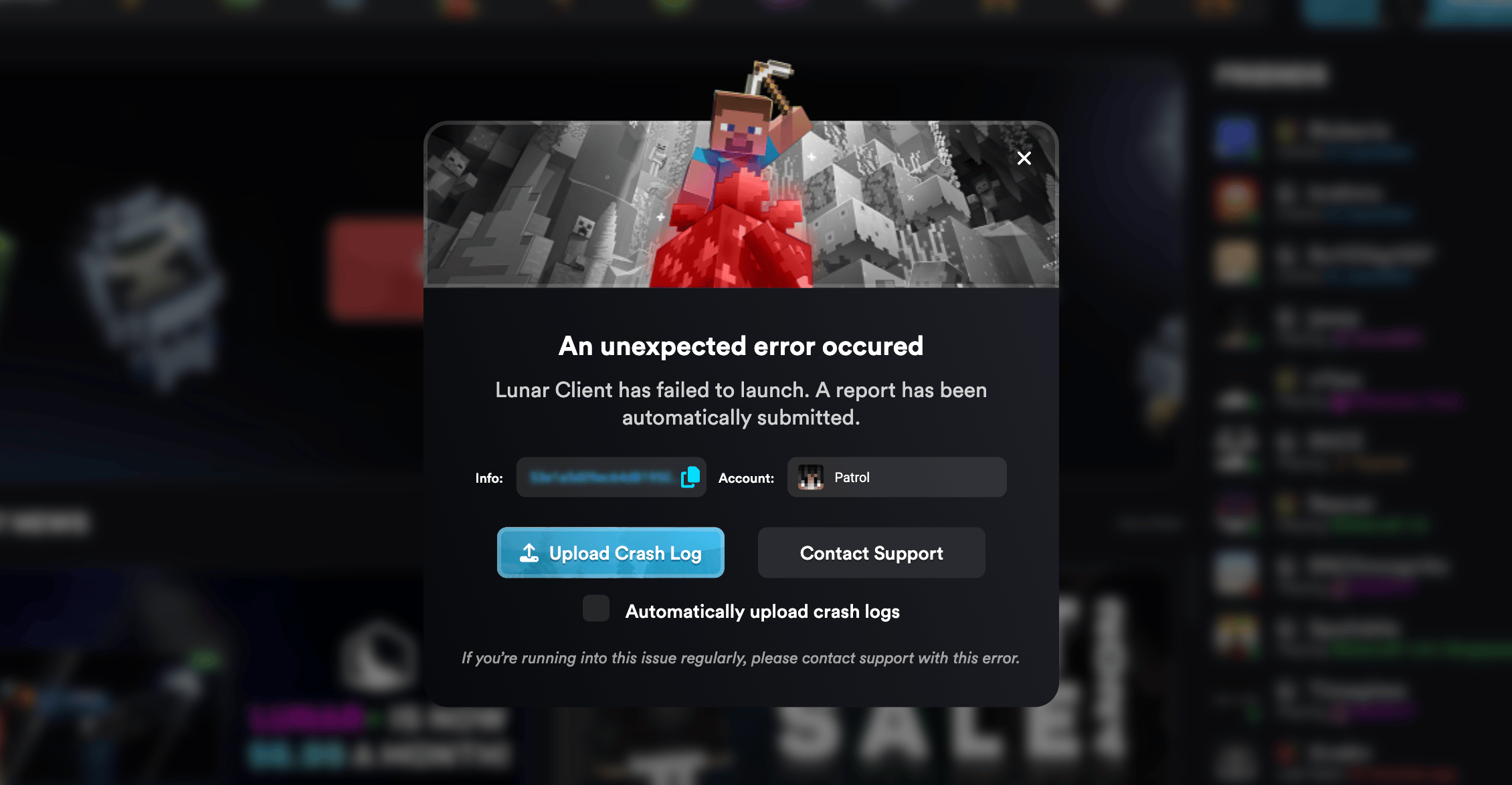
Additionally, you can contact our support team, who can check your logs to identify the mod that is causing this issue. Contacting our support team ensures that a bug report is opened for the issue so that we can eventually fix the issue. You can contact our support team by opening a ticket here.
As an alternative, you can also ask for assistance in the Lunar Client Discord Server inside the #community-support channel if you have any questions regarding your mods.
