Whether you're rushing in Bedwars, clutching a 1v1 on a bridge, or just trying to flex on your friends, bridging is one of the most essential skills in Minecraft PvP. The difference between a clean bridge and a messy one can literally cost you the game. This guide covers the most popular bridging techniques and the Lunar Client mods that can help you get better at them.

Popular Bridging Techniques
Ninja / Speed Bridging
Ninja bridging is one of the most beginner friendly techniques out there. You walk backwards slowly, look down at an angle, and place blocks beneath you as you shift and unshift. It's not the fastest method, but it's consistent and reliable, making it a solid starting point if you're new to bridging.

Moonwalk Bridging
Moonwalk bridging is a step up from Ninja bridging. Instead of moving slowly, you strafe sideways while placing blocks, giving you a bit more speed without sacrificing too much accuracy. It takes some getting used to but once it clicks, it becomes second nature.
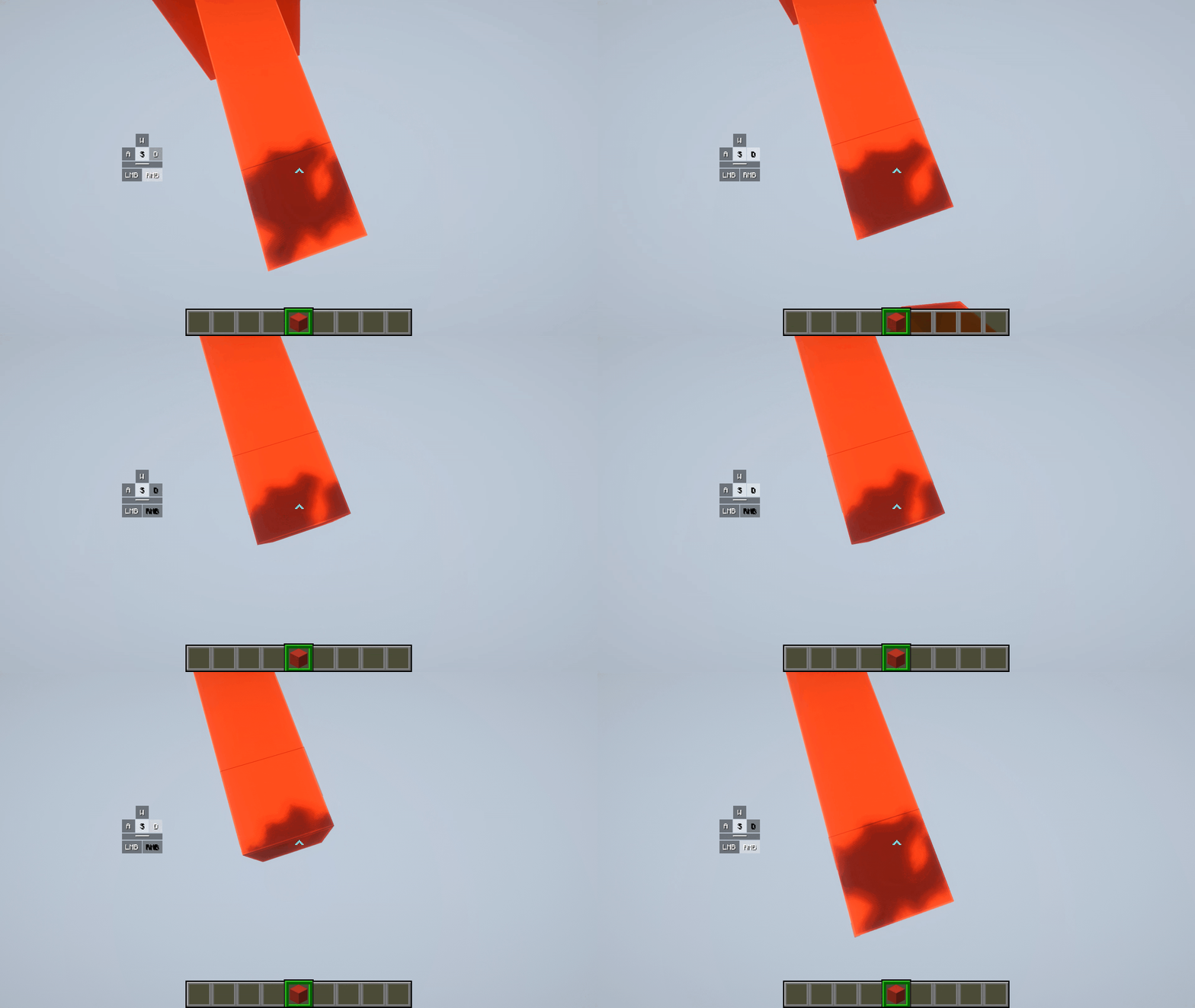
Breezily Bridging
Breezily is a faster and more advanced technique. You move sideways at full speed while placing blocks on the edge, requiring precise mouse control and good timing. It's one of the more popular methods among experienced players because of how fast you can cover ground with it.
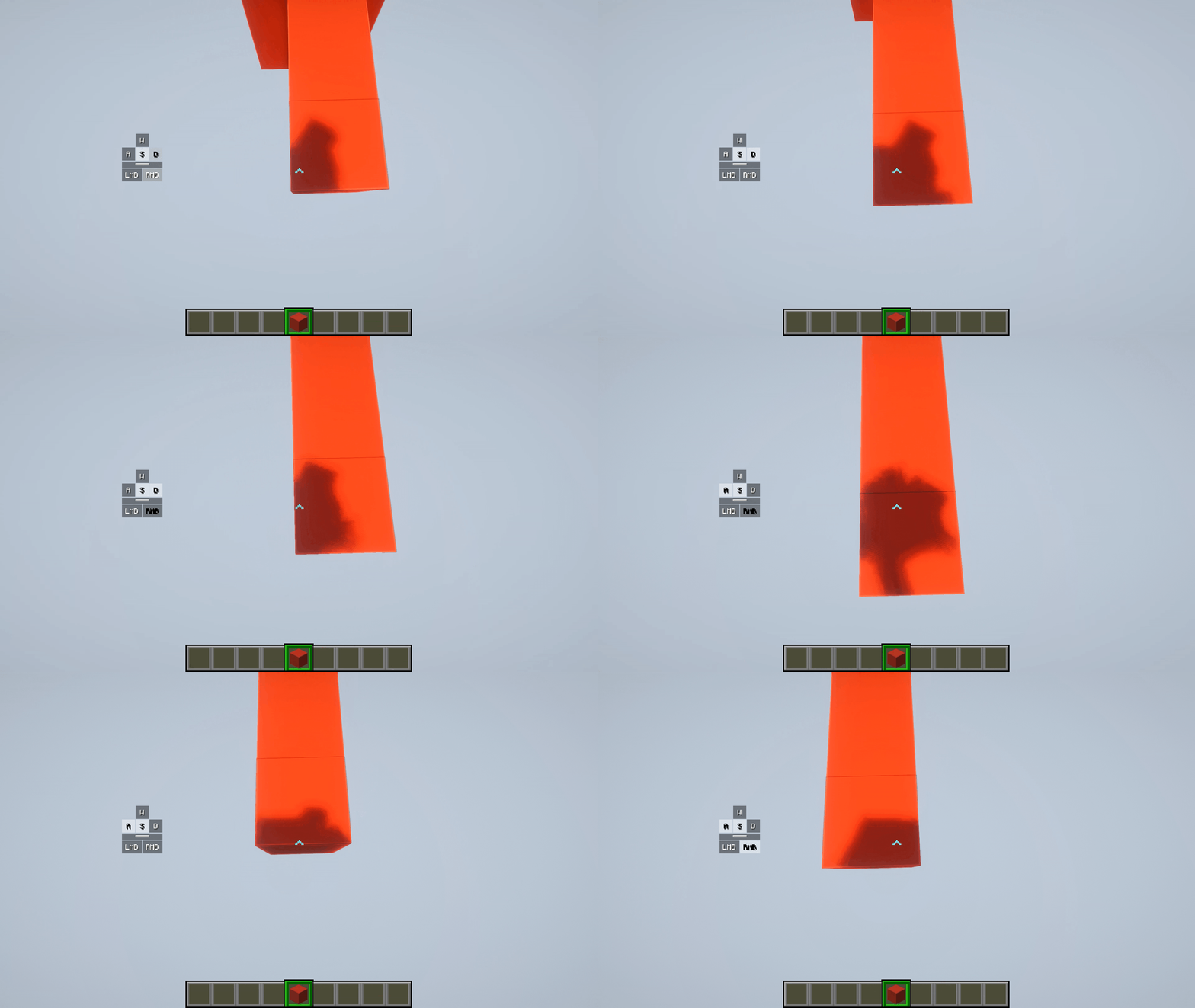
Diagonal Bridging
Diagonal bridging is exactly what it sounds like; bridging at a 45 degree angle. It's useful in situations where you need to close the gap between two points that aren't directly in line with each other. It requires a bit of practice to keep your placement consistent, but it's a valuable technique to have in your toolkit.

Telly Bridging
Telly bridging involves quickly looking straight down to place a block and then snapping your view back up, repeating this motion as fast as possible. It's one of the fastest bridging methods and is commonly used in competitive play, but it requires high CPS and precise mouse movement to pull off consistently (our team isn't skilled enough to get a clip of it 😂).

Lunar Client Mods for Bridging
With Lunar Client mods you can improve your bridging by monitoring crucial information that can be the deciding factor between completing a bridge or falling in the void. To access the Lunar Client mods simply press right shift and click on the mods button. Here you can elevate your bridging game if you know what to look for.
CPS Mod
The CPS mod displays your clicks per second on screen in real time. Since bridging techniques, like Telly and God bridging, rely heavily on consistent clicking speed, having your CPS visible lets you monitor and improve your clicking in a measurable way. Knowing your CPS also helps you identify whether inconsistent block placement is a mouse control issue or a timing issue.

Momentum Mod
The Momentum mod displays your in-game movement speed on screen. Bridging at the right speed is crucial, especially for techniques like God bridging where moving too fast or too slow can throw off your block placement entirely. Having your momentum visible gives you a better feel for the speed you need to maintain and helps you stay consistent.

Crosshair Mod
The Crosshair mod lets you fully customize your crosshair's appearance. For God bridging specifically, many players set their crosshair to an upside down V shape to help with alignment during the bridge. Having a visual reference point that matches the angle you need to look at makes it significantly easier to stay consistent with your placement.

Block Outline Mod
The Block Outline mod adds a visible outline around blocks as you look at them. When bridging, this helps you clearly see exactly which block you're about to place on, making edge placement more precise. It's a subtle addition but one that can make a noticeable difference, especially when you're bridging at speed.

If you have any questions or are experiencing issues with your client, create a ticket on our Support Website or join the Lunar Client Discord server! If you are unsure of how to create a ticket, please view the Lunar Client Support Guide.
