
Welcome to Lunar Client Recap. This month, we have a ton of updates including mod improvements, a major feature being added to our Rewind System, our 7 year Lunar Client Anniversary, and a bunch more. So without further ado, let’s jump right into it.
You can also check out this month’s Lunar Client recap video below!
Minecraft Version 26+
With the announcement of the latest snapshot for Minecraft, the new Sulfur Caves and Sulfur Cubes can now be launched straight through Lunar Client. Of course, like all snapshot releases, these versions are still in development, so if you stumble across any issues related to Lunar when trying out these versions, please open up a support ticket through our website so our team of Agents can send them over to be fixed as soon as possible.

Speaking of new versions being added though, the latest full releases of Minecraft were released this month, that being 26.1.1 and 26.1.2. Both of these received day one support as they were added to the vanilla Minecraft launcher, meaning you’ll always be able to play on the newest version of Minecraft at any time, with your favorite Lunar features at your disposal.
Launcher Design Changes
If you’ve opened it up within the past few weeks, you’ll notice a few small changes like a new welcome back message above the launch container, where you can also quickly customize your account settings. Then, our sidebar on the left got a clean little refresh, including some new icons and some buttons, such as for our new Satellite chat system which we mentioned last month, a nice giftbox for quickly checking out our on-going promotions, and a sneaky little plus button near the bottom, which we’ll go over in just a minute. To wrap up the design changes though, our Quickplay bar has shifted to right below the launch container for easier access, plus a little design refresh.

Profile Wizard
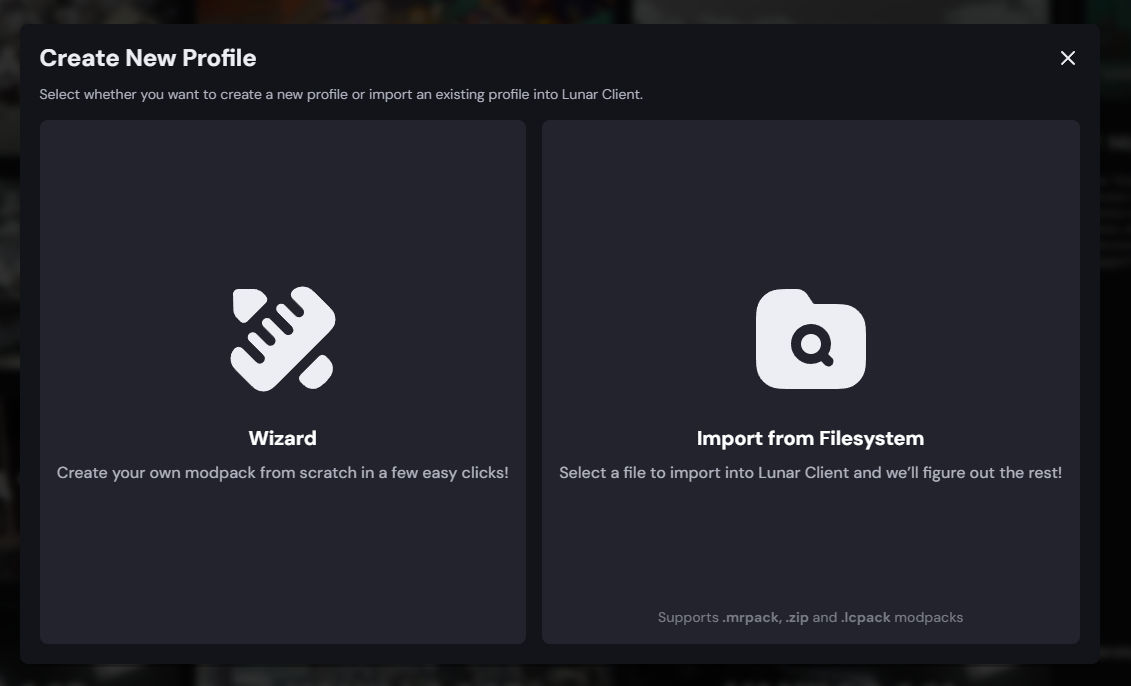
This is actually a feature that has been in the works for quite some time, being our Profile Wizard. This new wizard makes creating a new profile or modpack on the client so much easier. Now setting up your new modpack is as easy as clicking on a few buttons. You can customize the name, description, and the functionalities of the profile, whether they’re JVM arguments, lunar features, or changing the type of mods you would like to use.
Fabric Bump 0.19.2
And then staying in our Launcher, we’ve just bumped our Fabric Mod Loader version to 0.19.2. This means that the client should automatically support the newest versions of your favorite Fabric Mods, so you won’t have to worry about any incompatibilities when trying to launch them.
Rewind – Entity Properties
With our newest addition to our Rewind System. There’s now the ability to target and customize any entity in your world. For instance, you can now right click on a player that’s in your capture, and select from several different options, including changing their displayed name, the skin they're using, or hiding the player altogether. In the case of non-player entities, you’ll be able to set them as your camera target which makes it much easier to track them using the Follow mode in the Camera properties, or hide them fully in case you didn’t want them in your scene. We’re excited to bring more features that make capturing your gameplay even more customizable for both content creators and our general players.
Item Customizer Mod
With the initial addition of item scaling inside of our Overlay Mod, we’ve decided to make it into a dedicated mod, with a ton more features. You’re now able to fully customize your items position in 3D space, including the scale, x-y and z position, and the rotation of your items. On modern versions, you’re also able to split your settings between both hands, so if you’d like the items in your right hand to appear differently than those in your left, you can of course do that.

Moving into the Animations section, pretty much any first person animation you could think of can be changed here. This obviously includes the popular Swing Speed option, but also ignoring the animation changes from haste or mining fatigue, canceling the item re-equip animation, toggling the rotation effect when eating and drinking, and scaling the item in your hand while you're swinging to match the actual item scale.
We’ve discontinued our old UHC Overlay mod in exchange for our Item Customizer. This means that you’ll now just head into the Dropped Items section inside of here to be able to scale the size of items on the ground
Particle Mod Improvements
Our Particle Changer mod adds a plethora of new customization options. This includes changing the opacity of particles, lowering the minimum value for particles scale and the multiplier down from 1x to 0.25x, and a new color option which allows you to fully recolor a particle to any color of your liking. Additionally, there’s now the option to disable block-breaking particles on their own without having to fully disable block particles as whole. And then finally, our Hide First Person Potion Effects option has been updated to include all first person effects, such as sharpness and critical particles.
Inventory HUD
Our Inventory Mod has just added a highly requested feature which brings a brand new UI element that allows you to view your Minecraft inventory at all times. By jumping into the mod, you’ll see a new toggle for this HUD, which you can customize with quite a few options. This includes replacing the vanilla background with one that’s a bit more customized, hiding the HUD entirely when your inventory is empty, and toggling whether the grid should show or if it should be blank. This HUD is great for all kinds of players, such as our Survival players to quickly know what resources you have available, or our PvPers for keeping an eye on your potion or totem counts.
FPS Improvements
Now before we finish off our mod updates, we wanted to share some more performance improvements that the team has made. This improvement fixes an issue on Minecraft 26.1 which would cause FPS to drop on Vanilla. So, the team has fixed this issue to make sure it’s not affecting players using Lunar Client.
Bedwars – Hide Food/Armor Bars
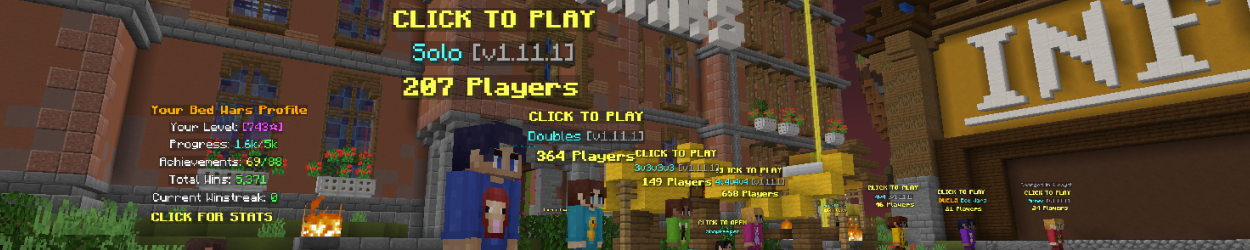
Our Bedwars Mod received a nice quality of life change, allowing you to now toggle your armor bar and your hunger bar off, since they aren’t super necessary and removes a bit of clutter from your screen.
Skyblock Improvements
Chat Commands
These are essentially quick chats which can be triggered by either yourself, or specific groups of players of your choice. For example, if a player in my party were to type “!tps”, my account would automatically send the server’s ticks per second in chat. By enabling the allow self command option, you’re also able to trigger these yourself. Currently, there are 15 of these chat commands available for you or your friends to use, and you can customize each one individually to pick who on the server is allowed to trigger them for you.
Protect Items
As you may know, our Inventory Mod allows you to lock slots in your inventory to prevent things like accidental dropping. Our new Protect Items feature in SkyBlock, however, works a little differently. Instead of locking the slot itself, you’re still able to move around an item that you’ve protected, however, they’ll be fully prevented from being dropped or sold. This is super useful if you’re someone like a Dungeons player, for instance, where you’re constantly clearing out your inventory and don’t want to accidentally sell something in the trades menu, but still wanna be able to move them around.
Skyblock Profile Viewer
We’ve just added our own Profile Viewer to the mod. By opening up the mod and toggling the feature on, you’ll be able to view anyone’s SkyBlock profile by typing “/pv” followed by their username. This will open up our viewer, which is powered by SkyCrypt to give you pretty much every piece of information you could ask for about a player. This includes things such as skills, wardrobe, accessories, pets, inventory, and much more.
1.7 Animations on Modern
You’ll be able to use the 1.7 Visuals Mod on any version of Lunar Client. This includes the famous hit blocking animation, allowing you to swing while blocking your sword. It is important to note though, that like our other mods, this mod is completely client side. That means that while you may be able to block your sword on modern versions with this mod enabled, other players won’t see the same thing if the server doesn’t have their own modern blocking implementation.
Apollo Updates
Our Apollo API for Minecraft server owners and developers just received two pretty massive features.
Crystal Optimizer
Our first being a new option to the Server Rule module, the Crystal Optimizer option. This option is a pretty big game changer for servers which rely on a lot of End Crystals (such as Crystal PvP servers), and it essentially improves the hit registration for crystals compared to vanilla, and prevents client and server desync.
Server Links
The next of our Apollo features actually improves on an existing feature that made its way into vanilla Minecraft over the past year. This being Server Links, and with our new integration of it into Apollo, you’re now able to set a custom header image which will appear at the top of your links, as well as use vanilla color and formatting codes for the names of your buttons. Additionally, when using our integration for Apollo, players on Lunar Client who play your server on a version lower than 1.21 when this feature was released will also be able to have access to them.
Hosted Worlds - Mods Support
To wrap up our main updates this month, our Hosted Worlds feature has recently been updated to finally support hosting a world with mods. This means that if you were to host a Cobblemon server by having the mod installed on my computer, any one of your friends would be able to join as long as they’re on the same version, and using the same mods as I am. This is a massive feature for expanding the capabilities of Hosted World, and we can’t wait for you all to check it out.
7 Years Anniversary
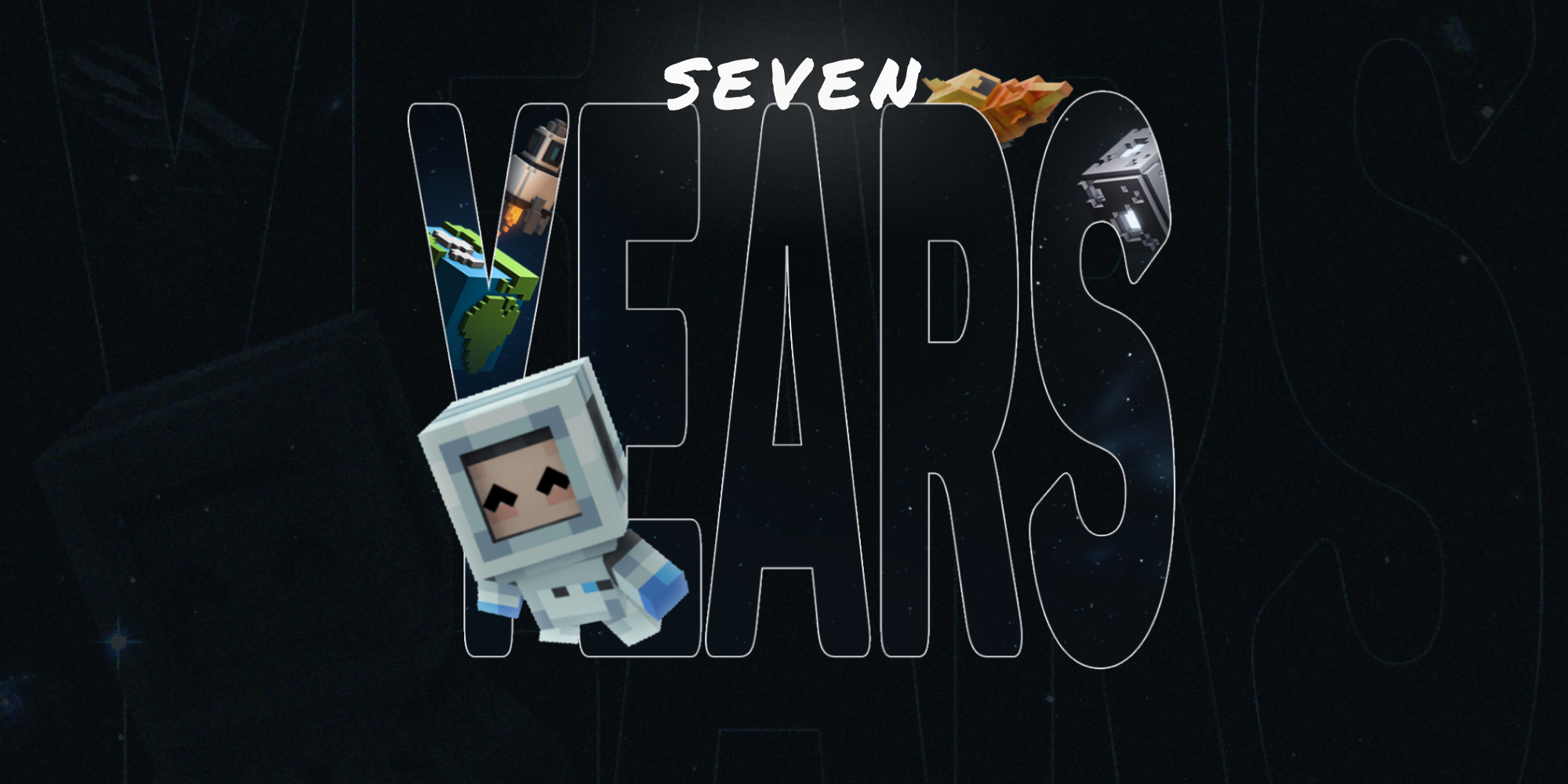
Lunar Client turned 7 years old on April 6th! So to celebrate, we gave out an exclusive badge for players who launched on our birthday, as well as a couple other limited time cosmetics. That being an exclusive cloak for anyone who has subscribed or continued their Lunar+ subscription during the month of April, which will stay on your account forever, as well as dropping a few new ones for our store, and bringing back our older ones from previous years.
Easter Collection
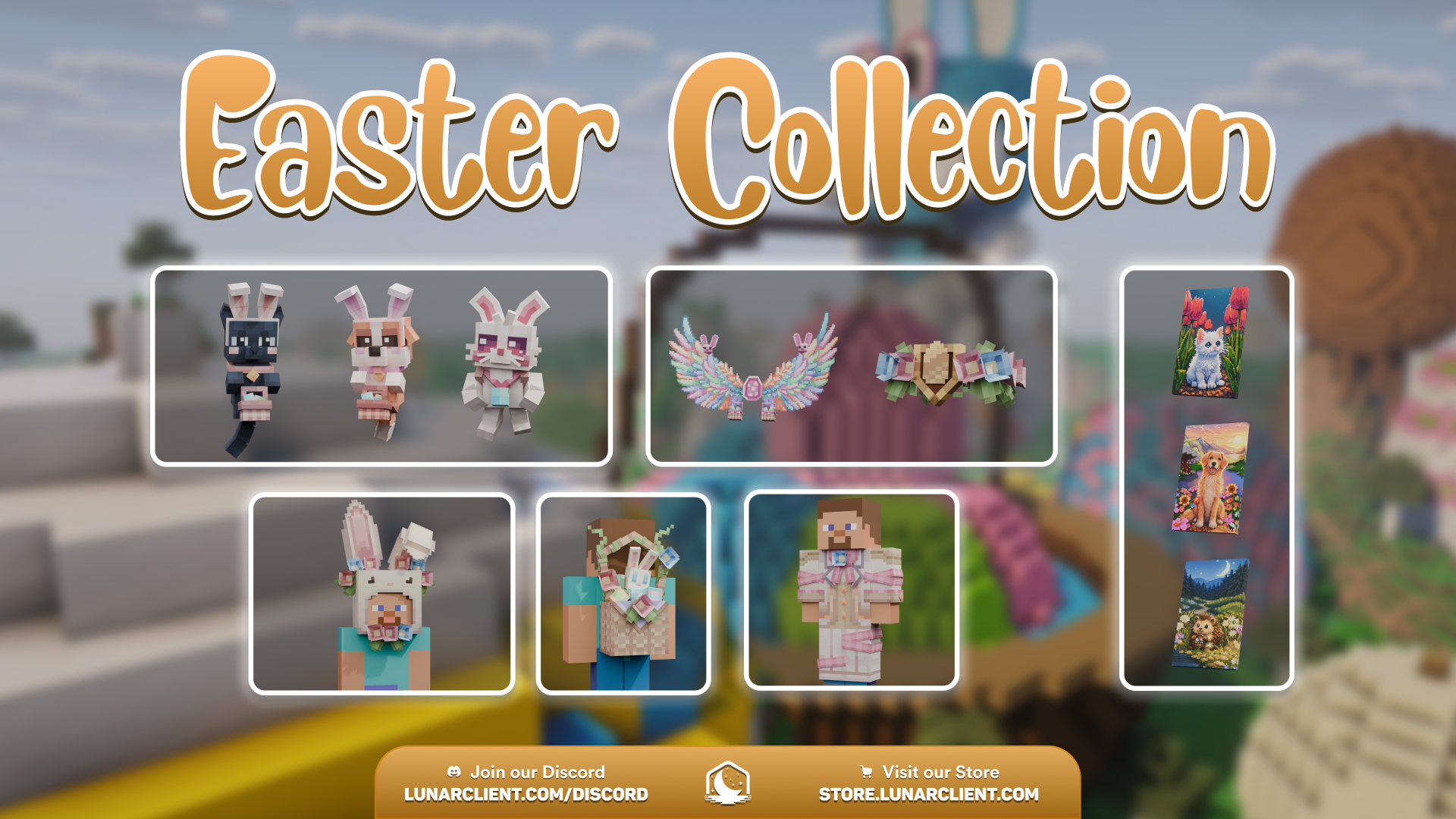
Anyways, let’s wrap up our Lunar Recap for this month by showing off our newest collection, that being the Easter Collection! With 36 cosmetics to pick from, this year has been the most colorful with plenty of pets, cloaks, wings, bodywear, and everything in between to pick from.
As always, if you have any questions or are experiencing issues with your client, create a ticket on our Support Website or join the Lunar Client Discord server! If you are unsure of how to create a ticket, please view the Lunar Client Support Guide.
