As a Christmas present for all Lunar Client players, Lunar Client is introducing a brand new way to earn free cosmetics for the 2025 holiday season: The Advent Calendar! The Advent Calendar will be a reoccurring event in the coming years, so if you miss it this year, don’t worry, there’s always next year! For more information, you can check out the Lunar Client Advent Calendar Website. Happy Holidays from the Lunar Client team!

What is the Lunar Client Advent Calendar?
The Lunar Client Advent Calendar is an award system that allows you to claim a free cosmetic by checking in each day. The Advent Calendar will last 12 days, starting from December 13 all the way to Christmas (December 25). If you claim all 12 rewards, you will earn a bonus reward once the Advent Calendar event finishes. Advent Calendar rewards can be claimed anytime until midnight each day in your own timezone. If you ever miss a reward, don’t worry! You can reclaim your reward streak for up to one missed day with Lunar+, which you can purchase here. Note that all cosmetics received from the Advent Calendar are unfortunately temporary and will be removed following the end of the event.
How do I Claim my Lunar Client Advent Calendar Reward?
Claiming your rewards from the Lunar Client Advent Calendar is extremely easy; just follow the three steps below!
Step 1: Download Lunar Client
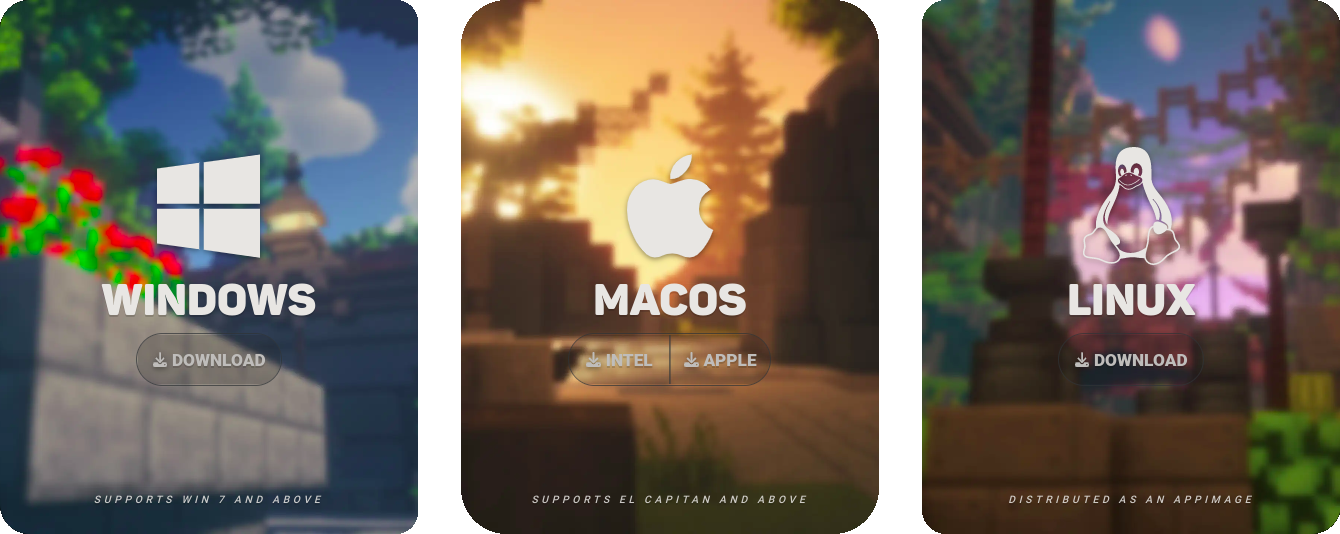
In order to claim your Advent Calendar rewards, you must first download and install Lunar Client by clicking here. Note that Lunar Client is available on Windows, macOS, and Linux as well as across all major Minecraft versions starting from 1.7.10. If you already have Lunar Client, you can skip this step.
Step 2: Launch Lunar Client
Next, you’ll need to launch Lunar Client. To do so, simply select your preferred Minecraft version from the version selector, then click the bright green Launch button.

Step 3: Click the “Advent Calendar” Button
Finally, click the blue Advent Calendar button in the middle of the screen. This will open the Lunar Client Advent Calendar, where you can claim your rewards by clicking on the square that corresponds to today. After clicking on the square, your free cosmetic reward will be revealed and applied to your account.

If you have any questions or are experiencing issues with your client, create a ticket on our Support Website or join the Lunar Client Discord server! If you are unsure of how to create a ticket, please view the Lunar Client Support Guide.
